Reset Password
To reset your password:
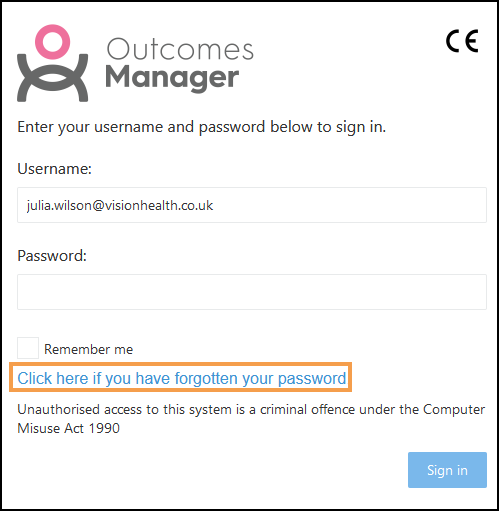
- From the Signing in screen, select Click here if you have forgotten your password.
 Note - If you no longer have access to your registered email address please contact the Service Desk - Contact Us.
 - Confirm your Username, and select I'm not a robot to complete the CAPTCHA challenge, for example, select the images that contain cars.
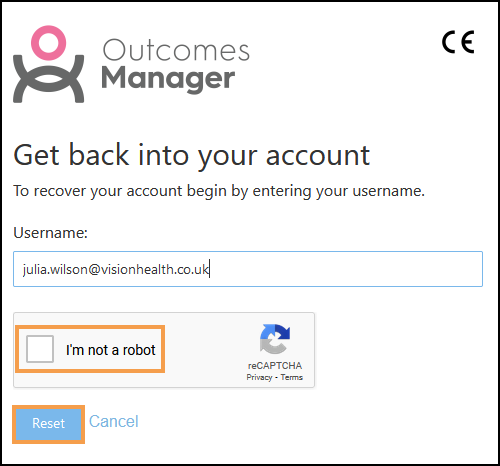
- Select Reset.
A notification displays "Password Reset Please follow instructions in the email sent to xxxxxxxxxxx.nhs.uk".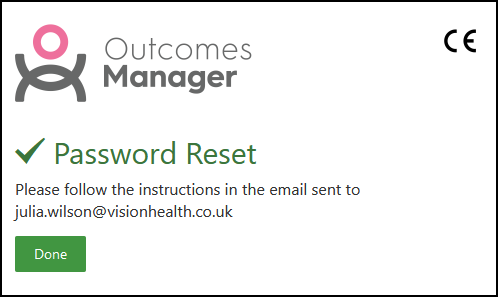
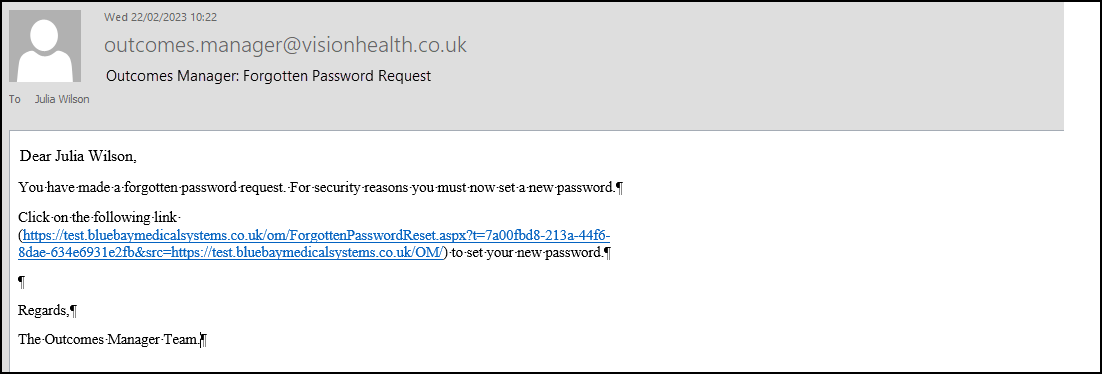
- An email automatically generates to your registered email address.
- Select the link in the email.
- Enter and Confirm your New Password.
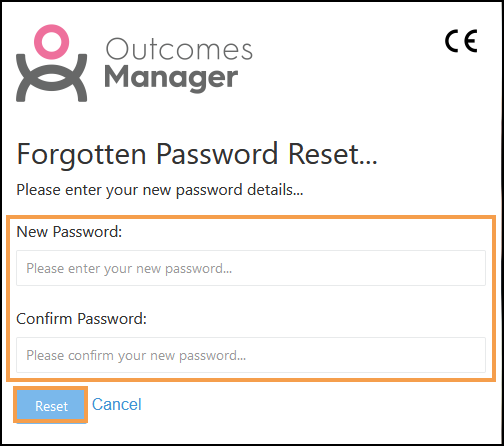 Note - Passwords must contain 16 characters, at least one upper-case letter, one lower-class letter and one number.
 - Select Reset to update your password.